GPTBots.ai is an enterprise-level no-code platform for building AI Agents. After registering an account on the platform, you can create multiple organizations under a single account. An organization is divided into a Development Space (DevSpace) and a Workspace, each with its own system for managing members and permissions.
What is an Organization in GPTBots.ai?
After registering an account on GPTBots.ai, you can create multiple organizations under a single account. Each organization is divided into a DevSpace and a Workspace, with independent systems for managing members and permissions. This structure ensures secure and efficient collaboration for building and deploying no-code AI Agents.
For a visual representation of the organization structure:
flowchart TD
    A@{ label: "<span></span><span></span><ol role=\"list\"><li style=\"white-space:\">Organization</li></ol>" } -- <br> --> n2["DevSpace"] & n4@{ label: "<span></span><span></span><ol role=\"list\"><li style=\"white-space:\">WorkSpace</li></ol>" }
    n4 -- <br> --> n5["AI Search"] & n6["Agents"]
    n2 --> n7["Agents"] & n8["Workflows"] & n9["Tools"] & n10["Models"] & n11["Organization Management"]
    n4 --> n12["Workflows"] & n13["Market"] & n14["Space Management"]
    A@{ shape: rounded}
    n4@{ shape: rounded}
    style A color:#000000
    style n2 color:#D50000
    style n4 color:#D50000
    style n5 color:#000000
    style n6 color:#000000
Exploring the Development Space (DevSpace)
The Development Space is tailored for developers to build AI Agents on this no-code platform. In DevSpace, users can focus on creation and testing without deployment concerns. Key features include:
| Feature | Description |
|---|---|
| Agents | Create and debug Agents, view logs, and analyze data insights. |
| Workflows | Create and debug Workflows, view workflow logs, and analyze data insights. |
| Tools | Build tools and MCP services for Agents to use. |
| Models | Configure API keys for models. |
| Organization | Manage permissions related to the Devspace, set alert notifications, manage team members, etc. |
Learn more about DevSpace in our detailed tutorial: https://www.gptbots.ai/docs/tutorial/overview.
Discovering the Workspace
The Workspace is designed for end-users to interact with published AI Agents and Workflows. It emphasizes usability and collaboration in a production-like environment. Here, you can:
| Feature | Description |
|---|---|
| AI Search | Use the AI-powered search function. |
| Workflows | Use Workflows that have been published to the Workspace. |
| Agents | Use Agents that have been published to the Workspace. |
| Market | Download AI applications from GPTBots Market. |
| Space Management | Manage permissions related to the Workspace, review and publish Agents, manage team members, etc. |
For more insights, check our Workspace overview: https://www.gptbots.ai/docs/workspace/overview.
Build an AI Workflow to Analyze Meeting Minutes with GPTBots & Notion
Deploy an AI Chatbot for Customer Support on Your Website
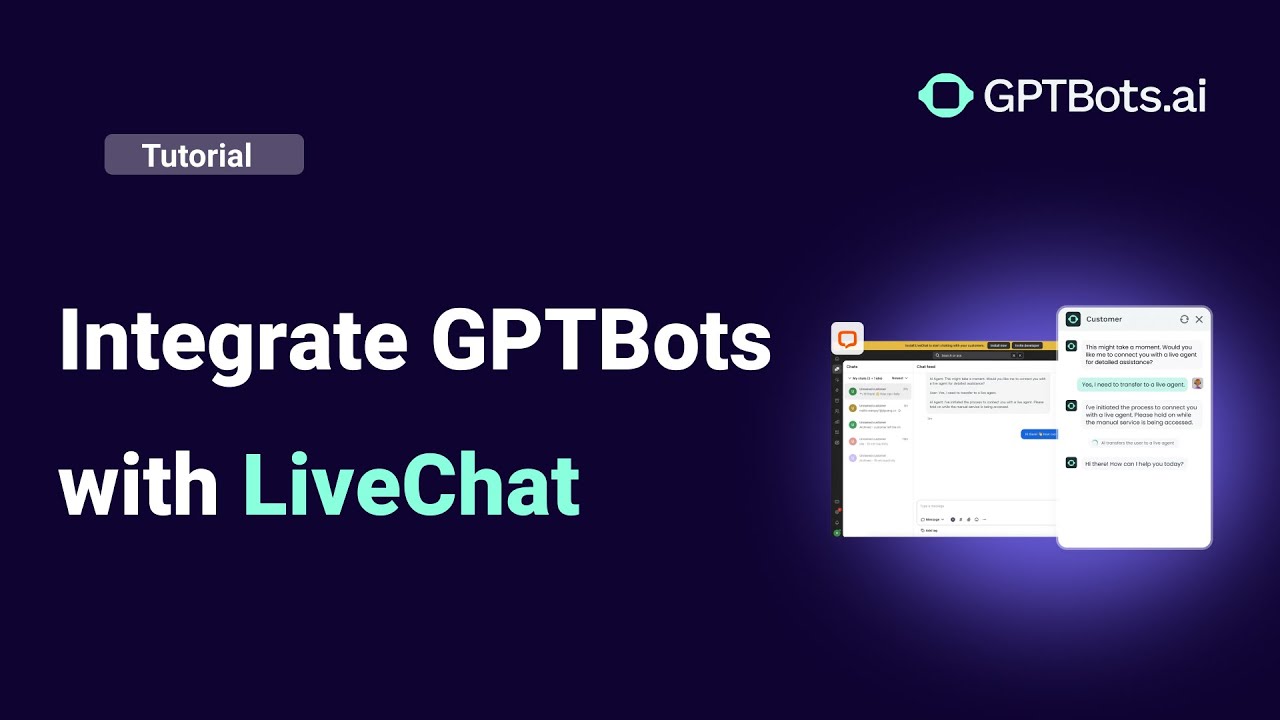
Connect GPTBots Agent with LiveChat for Automated Customer Support
How to Use Tools in GPTBots: Complete Step-by-Step Guide
How to Integrate on Telegram (Full Guide)