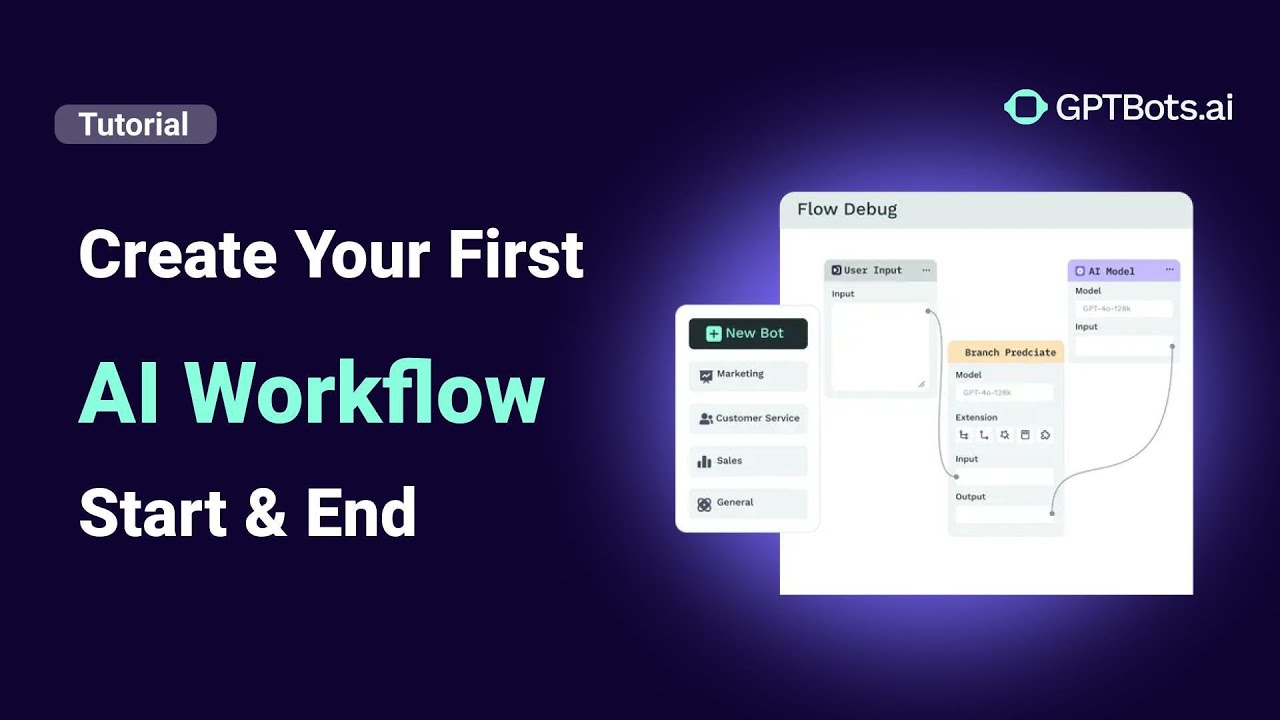
When building a logic-driven GPTBots workflow, two essential components define its structure and execution: the Start and End nodes. These nodes form the foundational architecture of every automated process, marking precisely where the data flow begins and terminates.
To help visualize how these nodes fit into the larger ecosystem, refer to the architecture diagram below:
GPTBots DevSpace Architecture
---
config:
  layout: dagre
  look: handDrawn
---
flowchart TB
    C["Agents"] --> n2["Agent"] & D["FlowAgent"] & n1["MultiAgent"]
    n4["DevSpace"] --> C & n3["Workflows"]
    n3 --> n5["Workflow"]
    n2@{ shape: rect}
    n1@{ shape: rect}
    n4@{ shape: rect}
    n3@{ shape: rect}
    style n2 color:#000000
    style D color:#000000
    style n1 color:#000000
    style n3 color:#000000
    style n5 color:#D50000
Note: Start and End nodes are automatically generated during workflow setup and are mandatory components that cannot be deleted.
The Start Node: Configuring Workflow Inputs
The Start node acts as the primary entry point for your AI logic. It is where the workflow receives the necessary input data to execute its task.
In technical terms, you can view the Start node as the input parameters of a function—the initial data set that informs all subsequent actions.
Best Practices for Configuring Inputs:
- Use Clear Field Names: Customize field names based on their specific utility. We recommend the camelCase naming convention (e.g.,
userInput,newsTopic) to maintain readability and API compatibility. - Select the Correct Field Type: GPTBots supports various data types to ensure high-precision workflows, including string, integer, number, boolean, array, and object.
- Provide Detailed Descriptions: Accurate descriptions help the Large Language Model (LLM) understand the context of each field. Precise documentation here significantly improves workflow performance and AI accuracy.
Pro Tip: All data defined within the Start node is globally accessible, allowing it to be reused by any node throughout the entire workflow for consistent data processing.
The End Node: Delivering Final Outputs
The End node marks the finalization of the workflow. This node gathers processed information and delivers the results to external systems or users. In programming terms, this functions like a return statement, finalizing and delivering the outcome.
Key Capabilities of the End Node:
- Select Output Data: You can granularly choose which specific data points from upstream nodes should be included in the final payload.
- Flexible Text Mode: For higher customization, you can use Text mode to combine output variables with static text. This is ideal for creating structured messages or specific response formats for your AI Agent.
Real-World Example: "Get Today’s News" Workflow
To illustrate how these nodes work in a production environment, let’s examine a "Get Today’s News" automation:
- At the Start Node: We define a field called
topic(string). This allows the user or system to specify a news category, such as technology, business, or sports. - Workflow Execution: The system processes the request, fetching the latest data based on the
topicinput. - At the End Node: We define a structured output called
news, configured as an Array Object. Each item in the array contains atitle,source, andcontent.
Upon completion, the workflow delivers a cleanly structured list of news items tailored to the user’s initial input.
Conclusion
Understanding the logical framework of Start and End nodes is the first step in building advanced AI automations with GPTBots. These elements ensure that data flows, transforms, and is delivered efficiently at scale. By mastering these foundational components, you can create more robust, professional-grade AI Agents for any B2B application.
Build an AI Workflow to Analyze Meeting Minutes with GPTBots & Notion

Deploy an AI Chatbot for Customer Support on Your Website
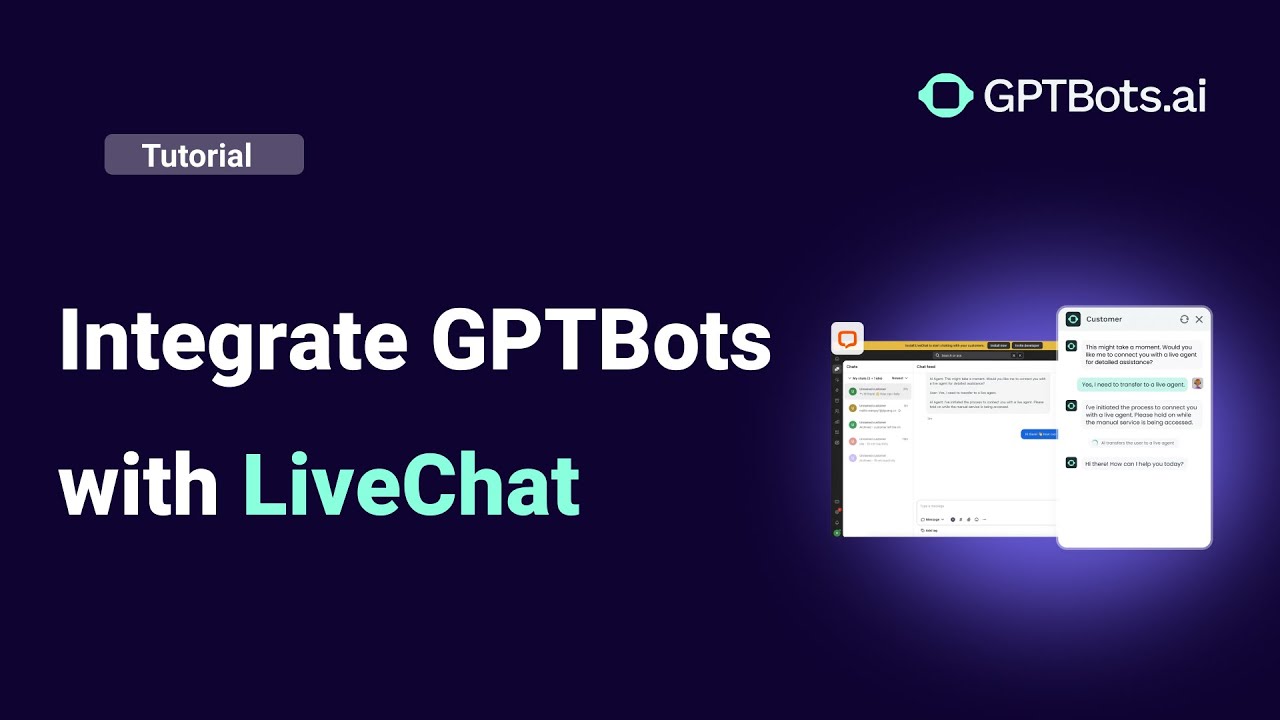
Connect GPTBots Agent with LiveChat for Automated Customer Support
How to Use Tools in GPTBots: Complete Step-by-Step Guide

How to Integrate on Telegram (Full Guide)