flowchart TD
    C["Agents"] --> n2["Agent"] & D["FlowAgent"] & n1["MultiAgent"]
    n4["DevSpace"] --> C & n3["Workflows"]
    n3 --> n5["Workflow"]
    n2@{ shape: rect}
    n1@{ shape: rect}
    n4@{ shape: rect}
    n3@{ shape: rect}
    style n2 color:#000000
    style D color:#D50000
    style n1 color:#000000
    style n3 color:#000000
    style n5 color:#000000
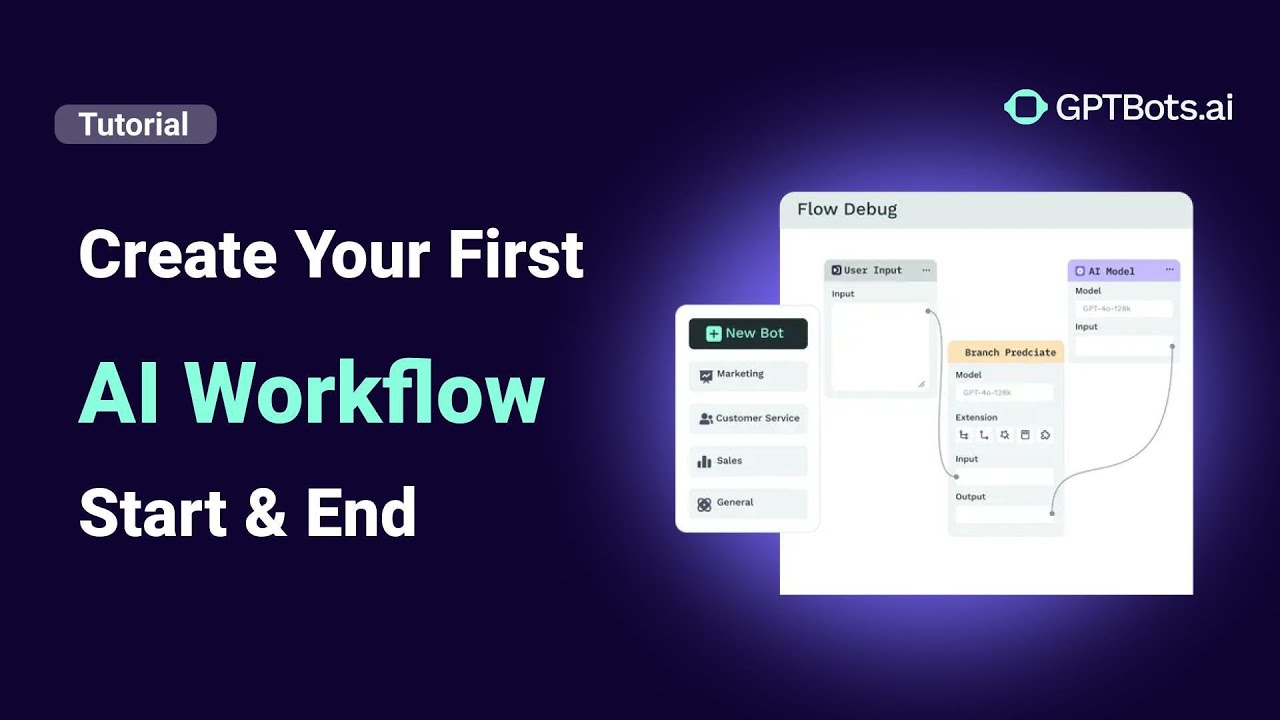
FlowAgent is a powerful tool designed for creating advanced AI agents with complex, high-logic workflows. What distinguishes a FlowAgent from a regular agent is its innovative use of nodes—visual blocks that define specific logic, actions, and decision-making processes.
Key components include:
- Flow Control Nodes: Classifier, Condition, and If/Else logic.
- Preset Response Nodes: Interactive cards and seamless human handoff.
This comprehensive guide demonstrates how to create, configure, debug, and publish a FlowAgent effectively to optimize your B2B automation.
Building a FlowAgent: A Step-by-Step Guide
1. Accessing the Configuration Page
To begin, navigate to the Configuration section and select Edit. This action opens the FlowAgent visual builder, an intuitive canvas where you can design your agent’s logic and operational flow.
2. Exploring Node Types and Their Functions
FlowAgents are constructed from modular components called nodes. Each node serves a unique purpose within your AI workflow:
- LLMs Node: Functions as a standard agent core. It allows you to select LLM versions, set identity prompts, and enable specific tools or databases.
- Knowledge Retrieval Node: Enables RAG (Retrieval-Augmented Generation). You can fine-tune parameters, set recall methods, enable query rewriting, and choose reranking models. Note: This is a pass-through node that forwards both input and retrieved knowledge to downstream nodes (typically followed by an LLM node for summarization).
- Classifier Node: Designed to detect user intent and route conversations. It supports up to 10 intent categories and can trigger multiple outputs simultaneously for intent-based routing.
- Condition Node: Executes logic based on a single, natural language-defined condition, with the LLM determining if the criteria are met.
- If/Else Node: Supports up to 10 configurable conditions using global variables, upstream node variables, or user attributes via regex matching.
- Cards Node: Outputs structured content such as text, rich media cards, tables, or JSON. Ideal for data collection or information presentation.
- Human Handoff Node: Integrates with customer service platforms (Intercom, LiveChat, WebHook). It halts automation to transfer the conversation to a human agent when complexity arises.
3. Connecting and Managing Nodes
On the visual canvas, nodes are interconnected to define triggering logic and data flow.
- Input/Output: Nodes have input ports (left) and output ports (right).
- Execution Flow: Connections (arrows) indicate the direction of data transfer. The output of an upstream node automatically serves as the input for the downstream node.
- Mandatory Nodes: Every FlowAgent must include a Start node (to capture user input) and an End node (to deliver the final response).
Debugging and Optimizing Your FlowAgent Workflow
To ensure high-performance AI deployment, utilize these built-in optimization tools:
- Node Debugging: Test individual nodes independently to verify specific logic.
- Chat Debug: Run the entire FlowAgent end-to-end to observe real-time data execution on the canvas.
- Layout Optimization: Use the "Optimize Layout" button to organize nodes neatly.
- Collaboration Tools: Use the "Add Note" feature to document design principles, facilitating team knowledge sharing.
- Canvas Modes: Switch between Mouse Mode and Touchpad Mode for enhanced usability across devices.
Key Takeaways for AI Workflow Success
- Streamline Decisions: Use classifiers and conditional nodes to improve response efficiency.
- Context-Awareness: Leverage Knowledge Search and RAG parameters for precise, data-driven responses.
- Maintainability: Annotate your flow for better long-term team collaboration.
- Hybrid Support: Integrate human handoff nodes for seamless escalation in customer service scenarios.
Conclusion
FlowAgent provides a robust and intuitive platform for building sophisticated conversational AI. By leveraging its modular architecture and visual debugging tools, you can create agents that are both powerful and easy to maintain. Whether for customer support or complex B2B business logic, FlowAgent offers the flexibility needed for enterprise-level success.
Build an AI Workflow to Analyze Meeting Minutes with GPTBots & Notion
Deploy an AI Chatbot for Customer Support on Your Website
Connect GPTBots Agent with LiveChat for Automated Customer Support
How to Use Tools in GPTBots: Complete Step-by-Step Guide
How to Integrate on Telegram (Full Guide)