
Loop
The Loop node can execute iterative tasks, which will terminate once the loop condition is met.
Input
The Loop node provides two input modes, which also define the mode of the loop.
Array-Based
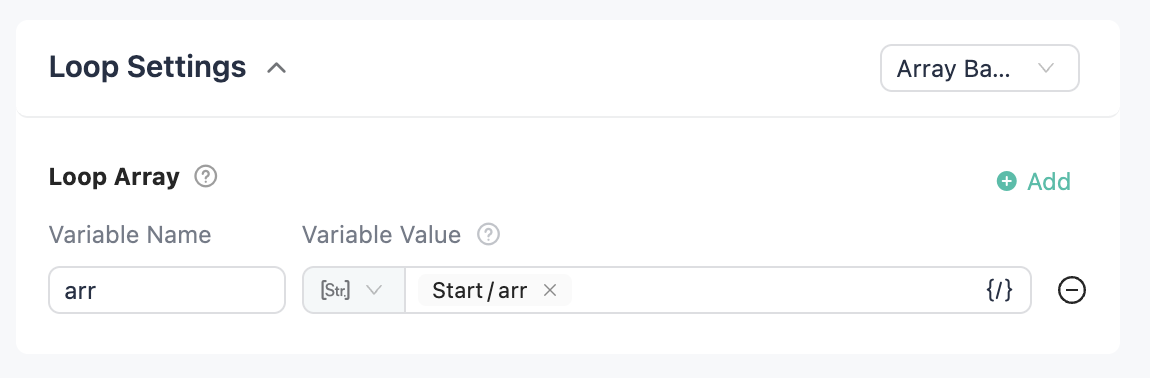
Loop based on array length, equivalent to for i in list executing for each i. If multiple loop arrays exist, the number of iterations is determined by the shortest loop array. When this option is selected, a "Loop Array" must be specified.
Limited Loop
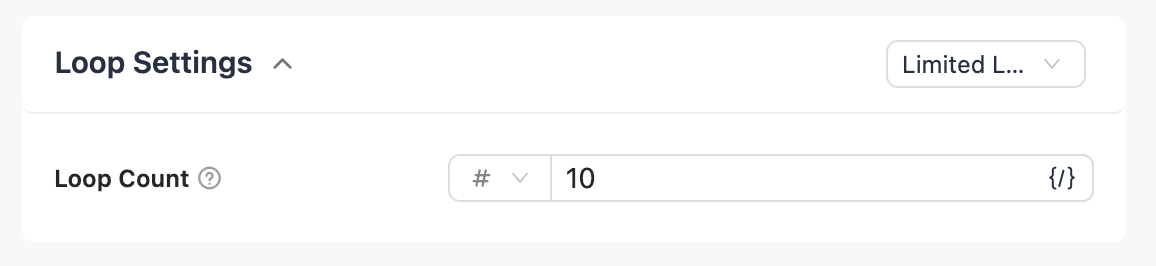
Loop based on "Number of Iterations". No loop array selection is required; this is equivalent to for i in range(n), where n is the number of iterations.
Intermediate Var
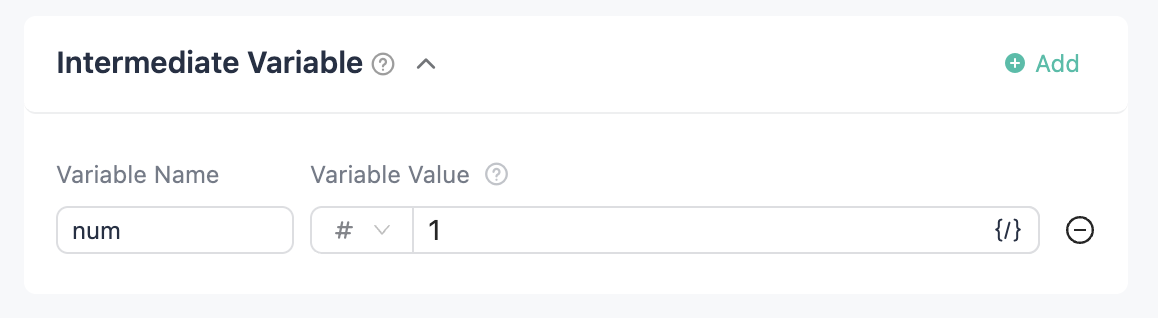
Variables used to update with each iteration within the loop body. Multiple variables can be defined.
Output
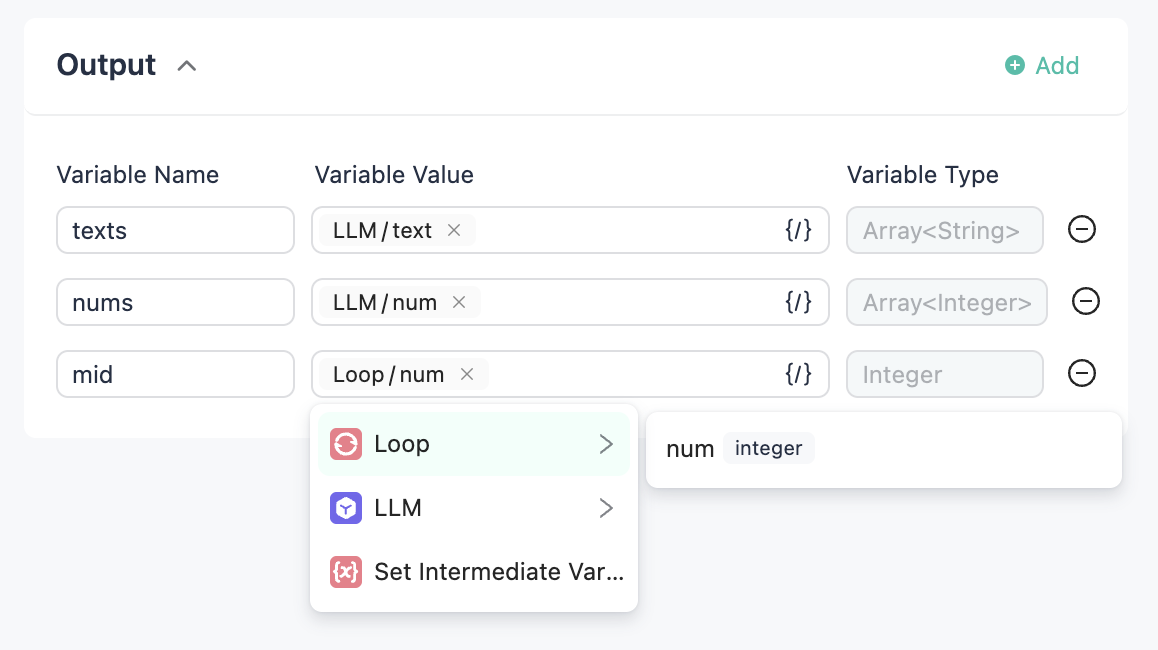
- You can select the output of each component within the loop body as the loop's output; all are of array type.
- You can select intermediate variables from within the loop body as the loop's output.
Loop Body
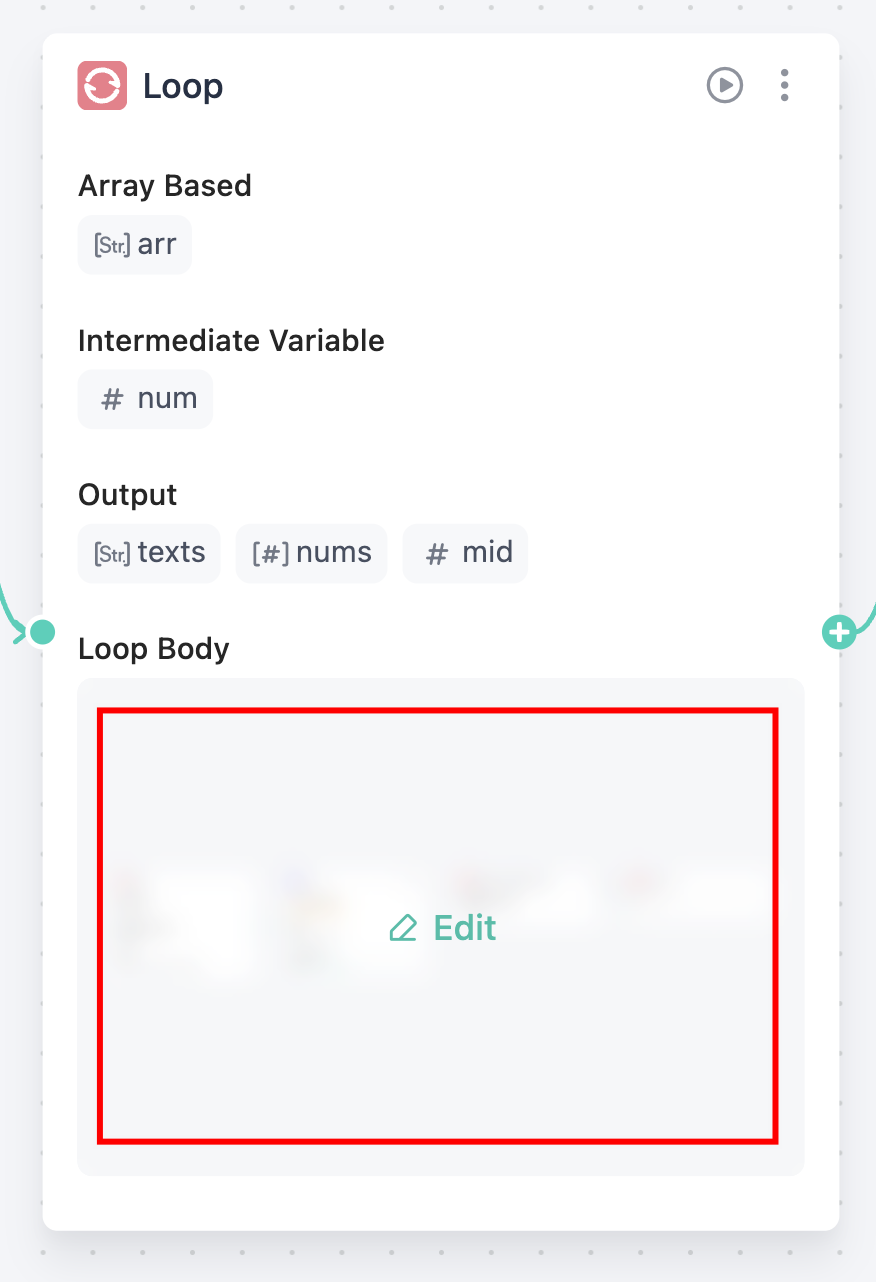
In the node card, click on the loop body area to open the loop body canvas.
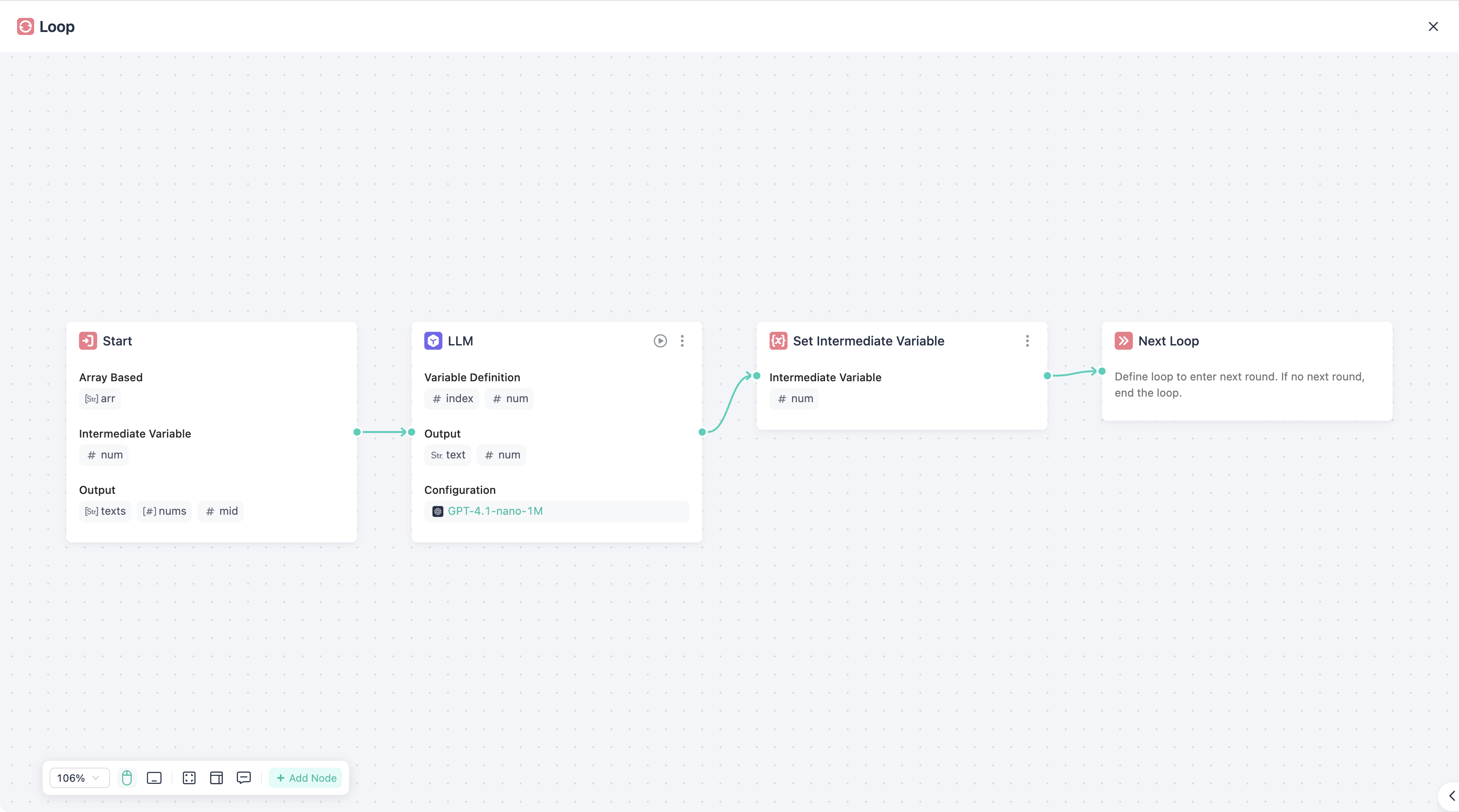
Operations within this canvas are identical to those in the main workflow.
Some special components are available only within the loop body, as listed below:
Set Intermediate Var
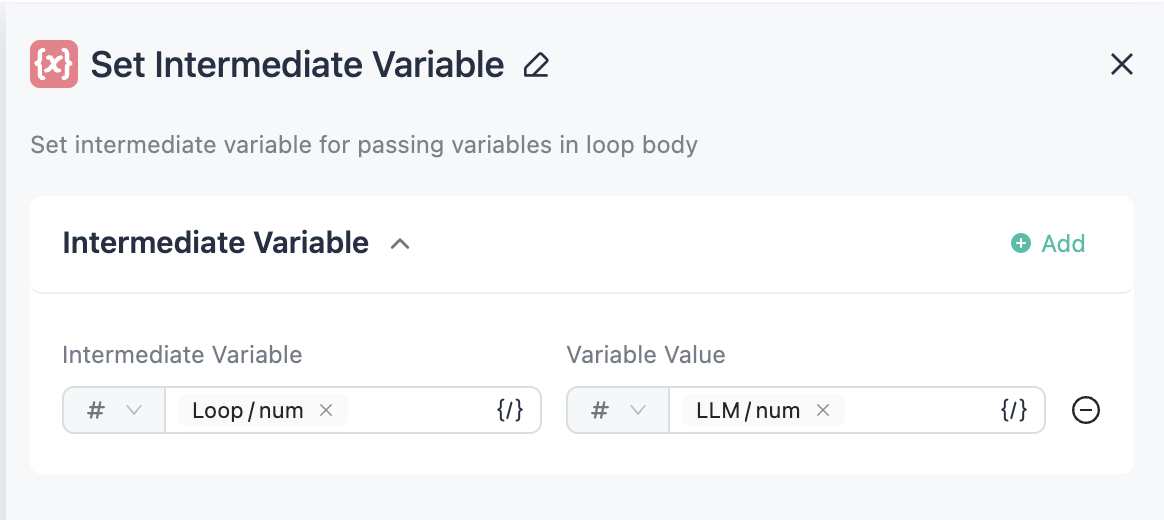
This component is used to update the value of intermediate variables.
Continue
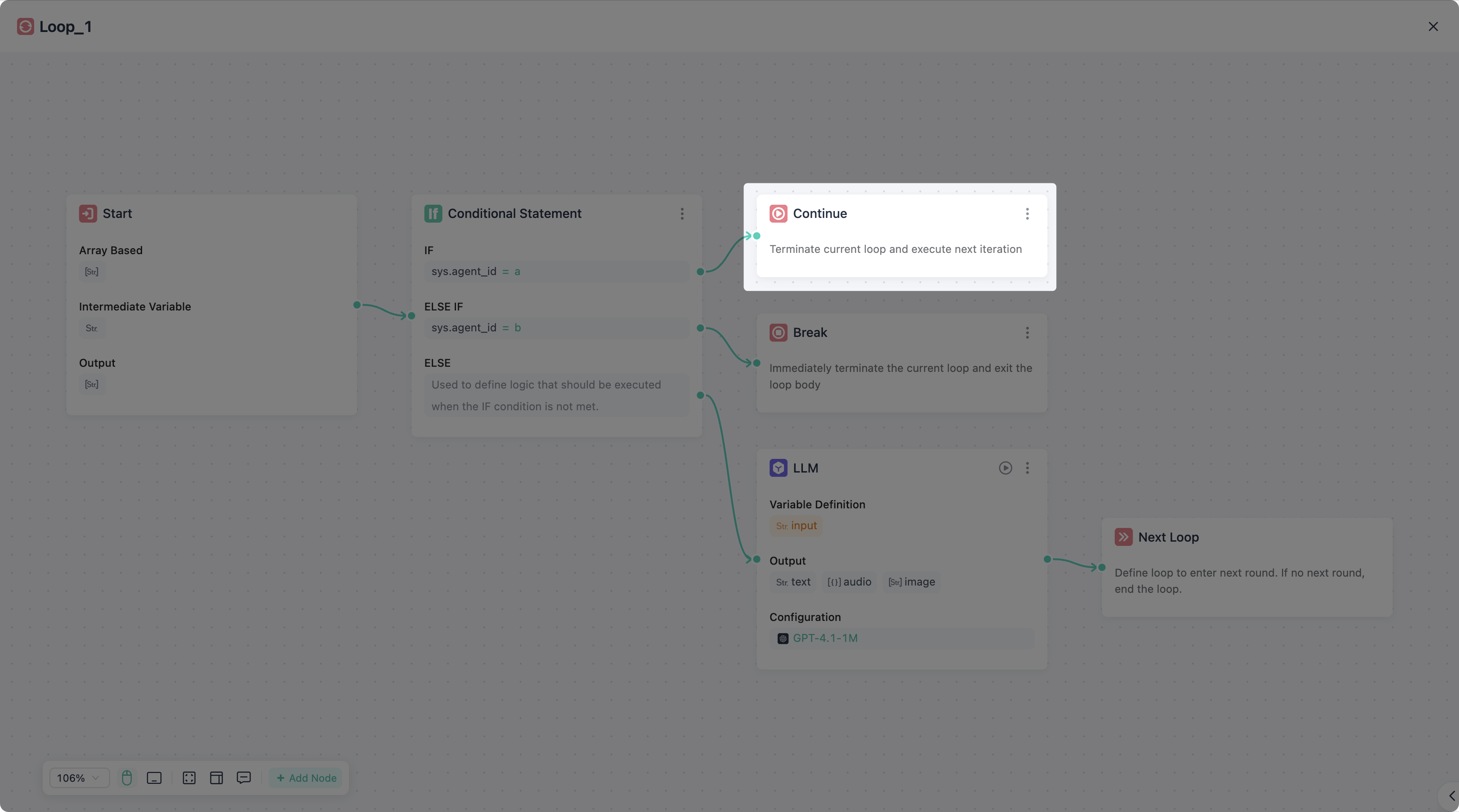
This component is used to immediately start the next iteration of the loop, equivalent to continue.
This component can be used after any non-start/end node. It supports multiple instances simultaneously; you can add this node at any point where immediate execution of the next iteration is required.
Break
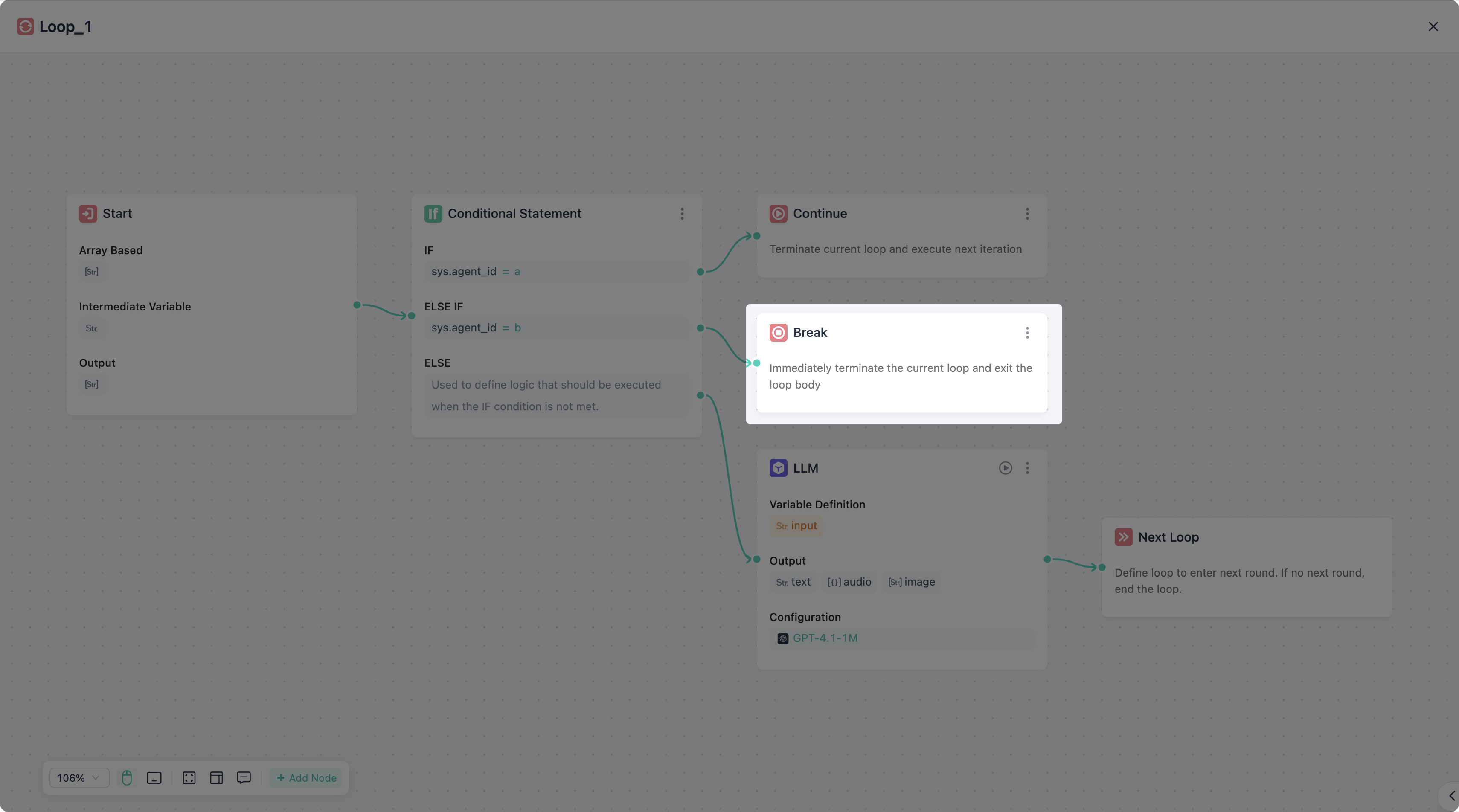
This component is used to immediately terminate the loop and break out, equivalent to break.
This component can be used after any non-start/end node. It supports multiple instances simultaneously; you can add this node at any point where immediate termination of the loop is required.